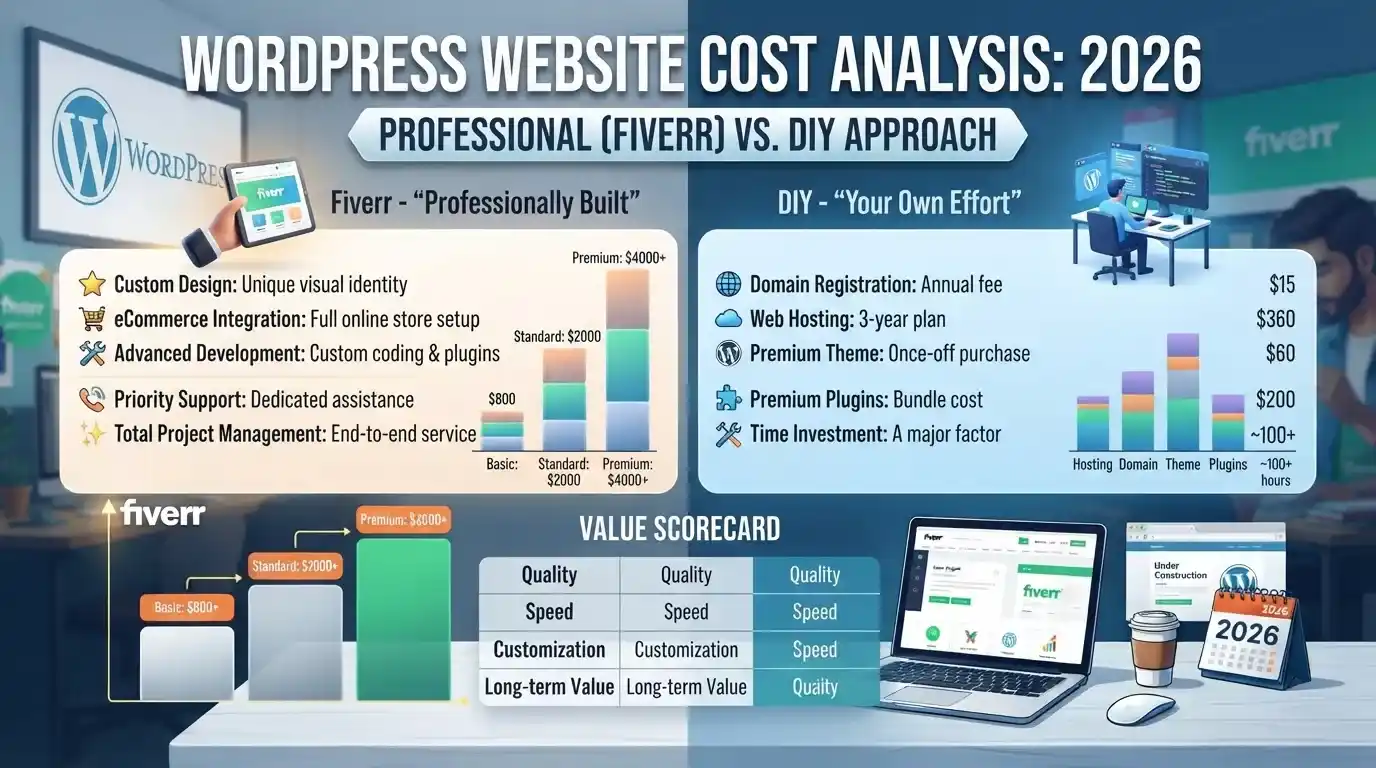
WordPress Website Cost in 2026: Fiverr vs. DIY — The True Price Breakdown
You’ve seen the ads. “Build your own website in 30 minutes.” “No coding required.” “Start free.”
Wix. Squarespace. WordPress with a drag-and-drop builder. The promise is seductive: save money, maintain control, launch fast.
But here’s what those ads never mention: your time has a cost.
When you factor in the hours spent learning the platform, wrestling with templates, troubleshooting broken layouts, and endlessly tweaking spacing that never quite looks right, the “free” website becomes expensive.
A 2026 analysis of small business owners found that the average DIY website project consumes 40-80 hours before launch. At even a conservative $25/hour valuation, that’s $1,000-$2,000 in opportunity cost. And that’s before the site is actually live.
Worse: many DIY sites launch with critical flaws. Slow load times. Broken mobile layouts. Missing SEO fundamentals. Security vulnerabilities.
This guide compares three paths:
- Full DIY using Wix or Squarespace
- Budget Fiverr gigs ($100-$400)
- Professional Fiverr Pro developers ($500-$2,000+)
By the end, you’ll understand what each option actually delivers, and why the cheapest option often costs the most.
The Real Cost of DIY Website Builders
Wix: The True Numbers
Wix markets a free plan aggressively. Technically, it exists. Practically, it’s a trap.
The free Wix plan includes:
- A wixsite.com subdomain (not your own domain)
- Wix branding and ads on every page
- 500MB storage, 1GB bandwidth
- No eCommerce functionality
- No Google Analytics integration
For a personal hobby site, this works. For a business, it’s unusable.
Paid Wix plans scale quickly:
| Plan | Monthly Cost | What You Get |
|---|---|---|
| Light | $17/mo | Custom domain, 2GB storage |
| Core | $29/mo | Accept payments, 50GB storage |
| Business | $39/mo | Full eCommerce, 100GB storage |
| Business Elite | $159/mo | Unlimited storage, advanced features |
These are annual commitment prices. Monthly billing costs more.
The hidden costs:
- Design limitations. Wix templates look professional, but customization is shallow. You can’t easily create truly unique layouts without fighting the builder.
- Migration lock-in. Leaving Wix means rebuilding from scratch. There’s no clean export.
- Performance ceiling. Wix sites often load slower than optimized WordPress sites, hurting SEO and conversion.
- Ecommerce fees. Wix charges transaction fees on top of payment processor fees.
Squarespace: Premium Polish, Premium Price
Squarespace positions itself as the designer’s choice. The templates are genuinely beautiful. The pricing reflects it.
Squarespace plans (annual billing):
| Plan | Monthly Cost | Key Features |
|---|---|---|
| Basic | ~$19/mo | Personal sites, blogs |
| Core | ~$29/mo | eCommerce, code injection |
| Plus | ~$49/mo | Advanced commerce, lower fees |
| Advanced | ~$99/mo | Maximum commerce features |
Squarespace charges transaction fees on lower plans. Core plans and above reduce or eliminate these fees, but you pay more monthly.
The real problem with Squarespace:
It’s still DIY. You’re still the designer, developer, and content creator. The platform makes it easier, but it doesn’t eliminate the learning curve.
And when you need custom functionality? You’re limited by what Squarespace allows. Custom code injection is restricted to higher-tier plans.
The DIY Time Investment Nobody Talks About
Here’s the calculation Wix and Squarespace don’t show you:
Learning the platform: 5-10 hours
Choosing and customizing a template: 5-15 hours
Creating content and layouts: 10-20 hours
Troubleshooting responsiveness: 5-15 hours
Basic SEO setup: 3-8 hours
Testing and revisions: 5-10 hours
Total: 33-78 hours
At a modest $25/hour opportunity cost, that’s **$825-$1,950** in your time.
And this assumes you don’t hit major roadblocks. Most first-time builders do.
What $200 Actually Gets You on Fiverr
The budget Fiverr web development gig promises a lot for very little.
Let’s examine what a typical $150-$250 WordPress gig actually delivers.
The Standard Budget Gig Breakdown
A representative $200 Fiverr WordPress gig might include:
- WordPress installation on your hosting
- Premium theme installation (often a $30-$60 theme, sometimes pirated)
- Basic customization (colors, logo, fonts)
- 3-5 pages of content
- Contact form setup
- Basic mobile responsiveness
Sounds reasonable. Here’s what’s often missing:
Speed Optimization
A fresh WordPress install with a premium theme and basic plugins typically loads in 3-6 seconds. Google’s Core Web Vitals threshold for “good” is under 2.5 seconds.
Budget gigs rarely include:
- Caching configuration
- Image optimization
- CSS/JavaScript minification
- CDN setup
Result: a slow site that ranks poorly and converts worse.
Mobile Responsiveness
“Mobile responsive” in a budget gig often means the theme adapts to mobile screens. It doesn’t mean the site looks good on mobile.
Common issues:
- Text too small to read
- Buttons too close together for touch
- Images stretched or cropped awkwardly
- Navigation menus that don’t work properly
Security Fundamentals
WordPress powers 43% of the web. That makes it a target.
Budget gigs typically skip:
- Security plugin configuration
- Firewall setup
- Login protection
- Regular backup scheduling
- SSL certificate installation and configuration
A hacked WordPress site costs $500-$2,000 to clean up. Prevention costs $50-$100.
The Theme Licensing Trap
Many budget sellers use nulled themes (cracked premium themes). These often contain malware, backdoors, or hidden affiliate links.
Legitimate premium themes cost $30-$100. If a seller offers a $200 complete site, the theme is either:
- A free theme (limited functionality)
- A nulled theme (security risk)
- A cheap marketplace theme (quality risk)
Red Flags: What to Avoid in Cheap Fiverr Gigs
Red Flag 1: Unrealistic Delivery Times
A genuine WordPress site build takes time. Even a simple 5-page brochure site requires:
- Planning and communication
- Theme selection and setup
- Content placement
- Testing across devices
- Revisions
“24-hour delivery” for a complete website is a template dump, not a custom build.
Red Flag 2: “Unlimited Revisions” Without Scope
Unlimited revisions sound buyer-friendly. In practice, they often mean:
- The seller stops responding after 2-3 requests
- “Revisions” are limited to minor text changes
- Major issues are declared “out of scope”
Professional developers define revision scope upfront.
Red Flag 3: No Portfolio of Live Sites
A legitimate WordPress developer shows live sites they’ve built. Not screenshots. Not mockups. Actual URLs you can visit and test.
If the portfolio is all images, ask for live links. If they can’t provide them, walk away.
Red Flag 4: Hidden Subscription Traps
Some budget gigs include “free” plugins or themes that are actually:
- Trial versions requiring payment
- Freemium tools with aggressive upsells
- Services that lock you into monthly fees
Read the gig description carefully. Ask what ongoing costs exist after delivery.
Red Flag 5: Off-Platform Communication Requests
If a seller asks to communicate via email, WhatsApp, or Telegram, it’s a scam. Fiverr’s protection only applies to transactions and communication within their platform. Off-platform, you have no recourse.
The Fiverr Pro Alternative: Why $500-$2,000 Makes Sense
Fiverr Pro exists because budget gigs have quality problems. Fiverr vets these sellers for skill, reliability, and professionalism.
What Changes at Fiverr Pro
| Factor | Regular Seller | Fiverr Pro Seller |
|---|---|---|
| Vetting | None | Hand-vetted by Fiverr |
| Price Range (Web Dev) | $100-$400 | $500-$2,000+ |
| Quality Gap | Large | Minimal |
| Delivery Reliability | Variable | Consistent |
Data from an analysis of 12 Fiverr Pro sellers found that web development projects showed the largest quality gap between regular and Pro sellers. For production sites, the premium pays for itself in time saved fixing issues later.
What a $500-$1,000 Fiverr Pro Build Includes
Professional WordPress developers at this tier typically deliver:
Strategic Foundation:
- Requirements discovery session
- Site architecture planning
- User journey mapping
Technical Excellence:
- Clean, optimized WordPress installation
- Legitimate premium theme (properly licensed)
- Performance optimization (caching, compression, CDN)
- Security hardening
- Backup automation
Design Quality:
- Custom design elements (not just template modification)
- True mobile optimization
- Cross-browser testing
- Accessibility considerations
SEO Fundamentals:
- Proper heading structure
- Meta tags configuration
- XML sitemap setup
- Schema markup basics
- Google Analytics and Search Console connection
Post-Launch Support:
- Documentation or training
- 30-90 day bug fix guarantee
- Clear handoff process
The Long-Term Math
A budget site at $200 often needs:
- Speed optimization: $150-$300
- Security fixes: $100-$250
- Mobile fixes: $100-$200
- Theme replacement (if nulled): $200-$500
- Total hidden costs: $550-$1,250
A Fiverr Pro site at $800 includes these from the start.
The professional option is often cheaper within 6 months.
Fiverr vs. Traditional Agencies: A Cost Comparison
For context, what does a traditional agency charge for comparable work?
Agency pricing for a basic business WordPress site:
- Basic informational site: $3,000-$7,000
- Custom-designed business site: $7,000-$15,000
- eCommerce store: $8,000-$25,000+
Fiverr Pro pricing for similar scope:
- Basic business site: $500-$1,500
- Custom business site: $1,500-$3,000
- eCommerce store: $2,000-$5,000
Fiverr Pro undercuts agencies by 50-70% while offering vetted, professional developers. The tradeoff is usually project management overhead—you’re coordinating directly with the freelancer.
For many small businesses, this tradeoff is worth it.
Bottom Line: Which Path Should You Choose?
| Your Situation | Recommended Path | Expected Cost |
|---|---|---|
| Personal blog/hobby | DIY (Wix/Squarespace free tier) | $0-$200/year |
| Simple business site, limited budget | Budget Fiverr + expect to upgrade | $200-$400 upfront |
| Serious business site | Fiverr Pro | $500-$1,500 |
| eCommerce store | Fiverr Pro (eCommerce specialist) | $1,000-$3,000 |
| Complex custom requirements | Agency or senior Fiverr Pro | $3,000+ |
The honest truth:
If your website is just a placeholder—something to point people to—DIY or a budget gig might suffice. You’ll outgrow it, but that’s okay for now.
If your website is a business asset—generating leads, selling products, establishing credibility—invest in professional development from the start. The hidden costs of cheap builds always surface eventually.
Frequently Asked Questions
How much does a WordPress site really cost in 2026?
The total WordPress website cost depends on scope. A functional business site built by a professional typically runs $500-$2,000. DIY builders cost $200-$500/year in subscriptions but require 40-80 hours of your time. Agencies charge $3,000-$15,000+.
Is Fiverr reliable for WordPress development?
For budget gigs ($100-$400), quality varies widely. For Fiverr Pro ($500+), reliability is significantly higher due to Fiverr’s vetting process. The quality gap in web development is the largest of any Fiverr category.
Can I build a WordPress site myself?
Yes, but factor in your time. WordPress has a learning curve. Expect 40-80 hours for a basic site, plus ongoing maintenance and troubleshooting. If your time is valuable, hiring a professional may be more cost-effective.
What should a $200 Fiverr WordPress gig include?
A legitimate $200 gig should include: WordPress installation, legitimate theme setup, basic page creation, contact form, and mobile responsiveness. It likely won’t include: performance optimization, security hardening, SEO setup, or comprehensive testing.
How do I spot a low-quality Fiverr web developer?
Red flags: 24-hour delivery promises for complete sites, no live portfolio links, requests to communicate off-platform, “unlimited revisions” without defined scope, and prices dramatically below market rate.
Final Verdict
The WordPress website cost calculation isn’t just about upfront price. It’s about total cost of ownership.
DIY builders trade money for time—often 40-80 hours that could be spent growing your business.
Budget Fiverr gigs trade upfront savings for hidden costs—speed optimization, security fixes, and eventual rebuilds.
Fiverr Pro developers charge more upfront but deliver production-ready sites with fewer surprises.
For businesses where the website matters, the professional path pays for itself. For hobby projects and testing ideas, DIY remains viable.
Choose based on what your website needs to do—not just what it costs to launch.